 Kihon
What it looks like
Swipe to see more

The van's side of the school. Who to collect today and from which school, one tap at the curb, a walk through the van at the door, and a straight line to staff when the day goes sideways.

For the parent who drives and for the hired driver alike. Free to drivers, because the school pays for Kihon. No Android phone? Your school's driver page runs the same run in any browser.
Swipe to see more
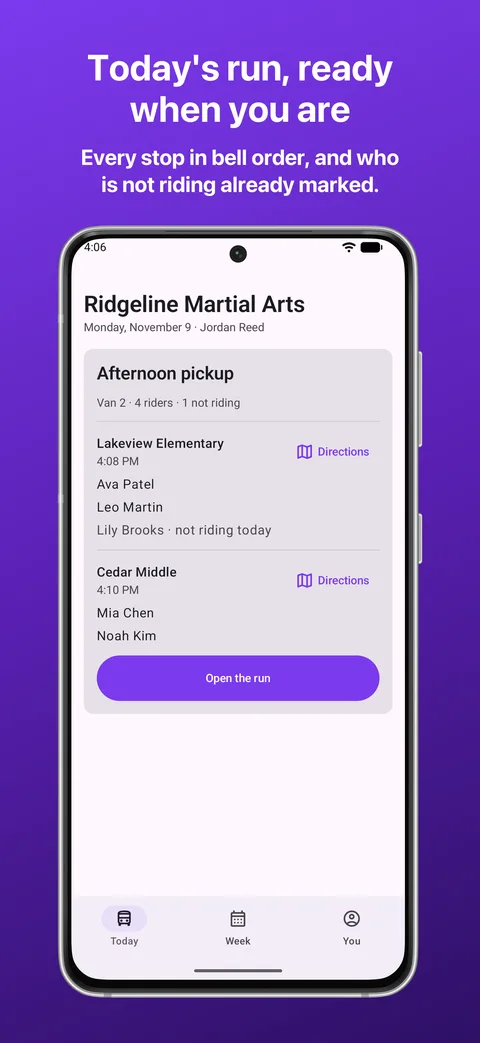
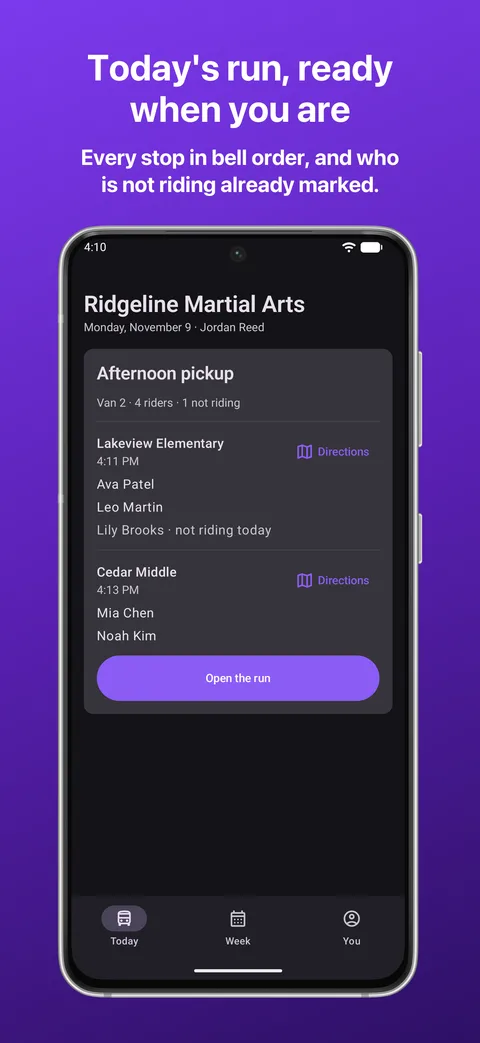
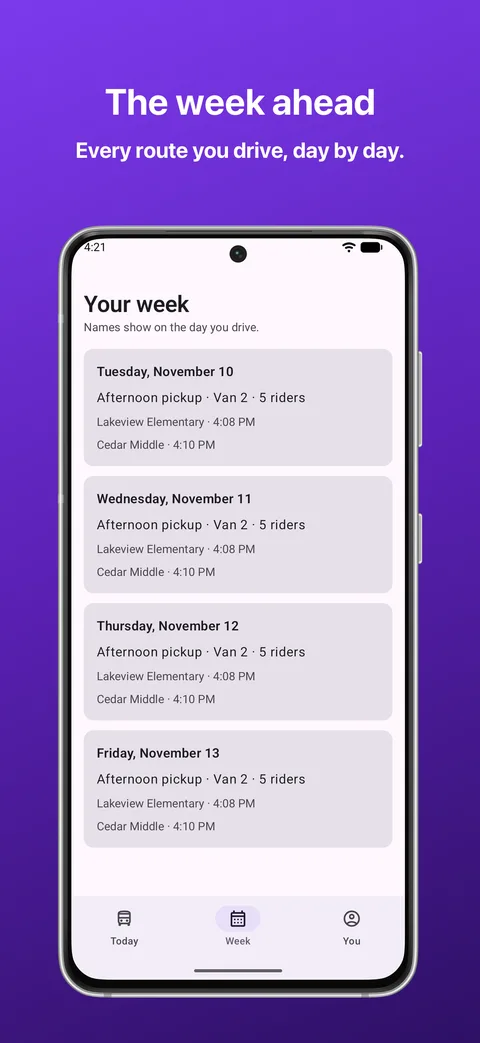
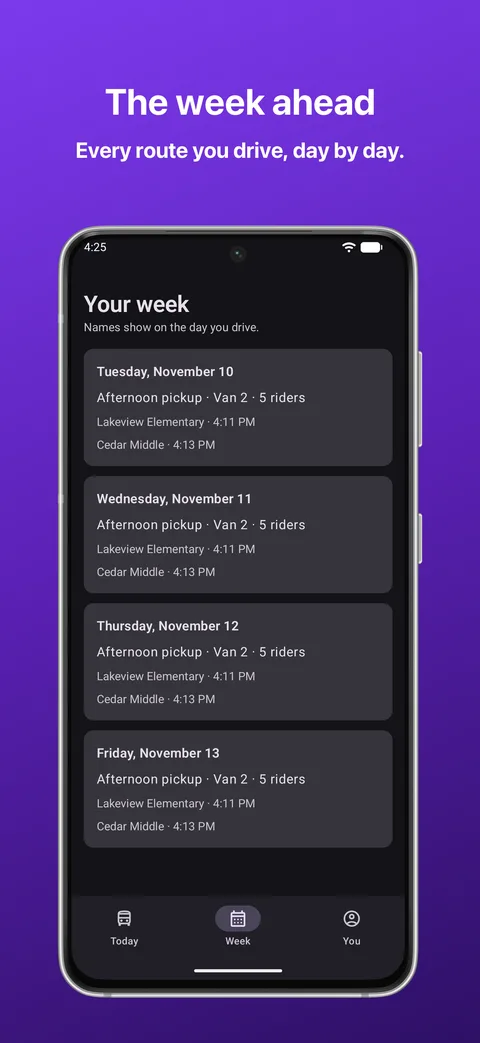
The run you drive, its stops in bell order, and the names to collect at each one. A child whose family said they are not riding is already marked, so nobody waits at a curb for a known no-show. One tap opens directions in your own maps app.
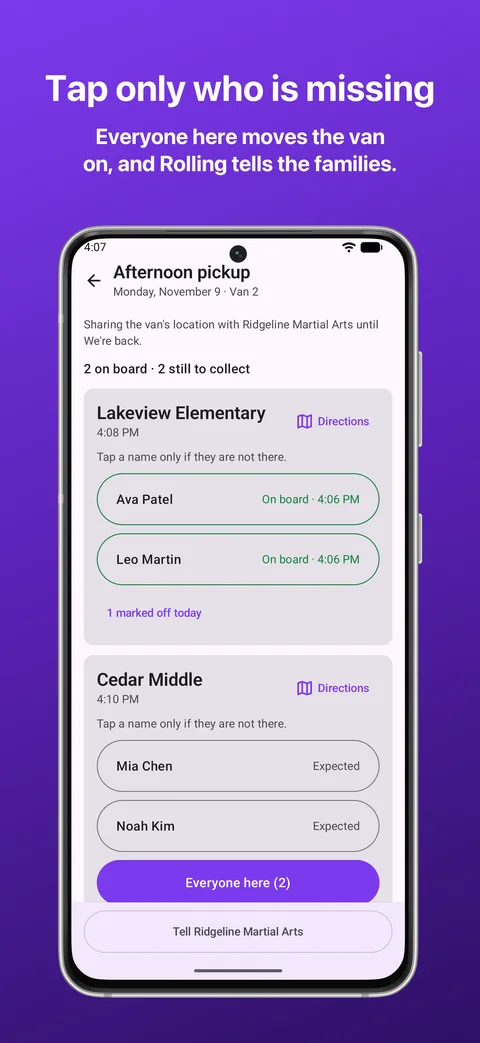
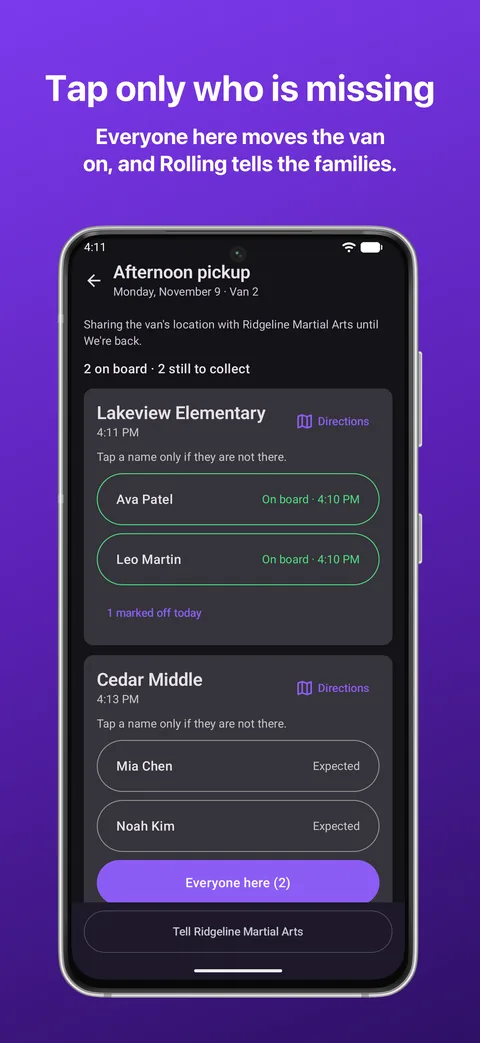
Tap a name only if that child is not there, then press Everyone here. Rolling tells the families the van is on its way, and We're back tells them their children arrived.
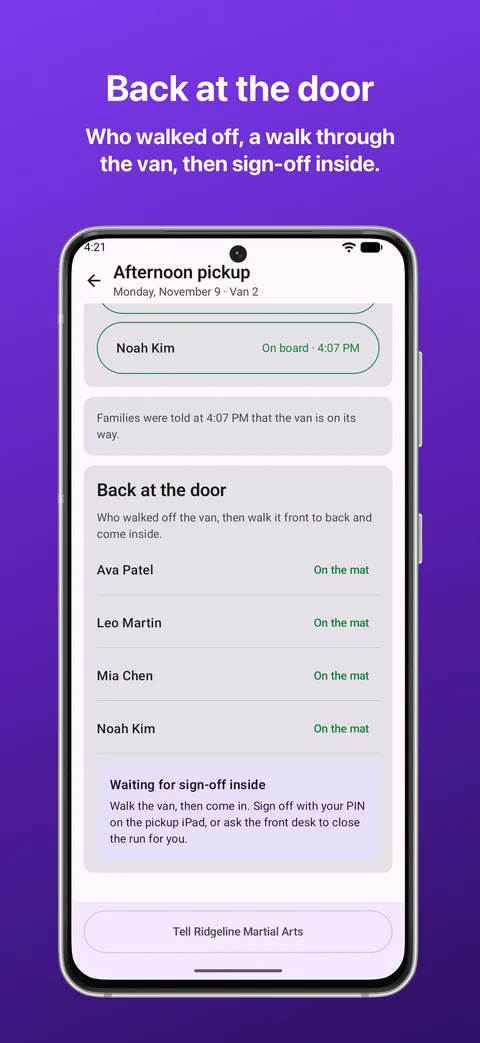
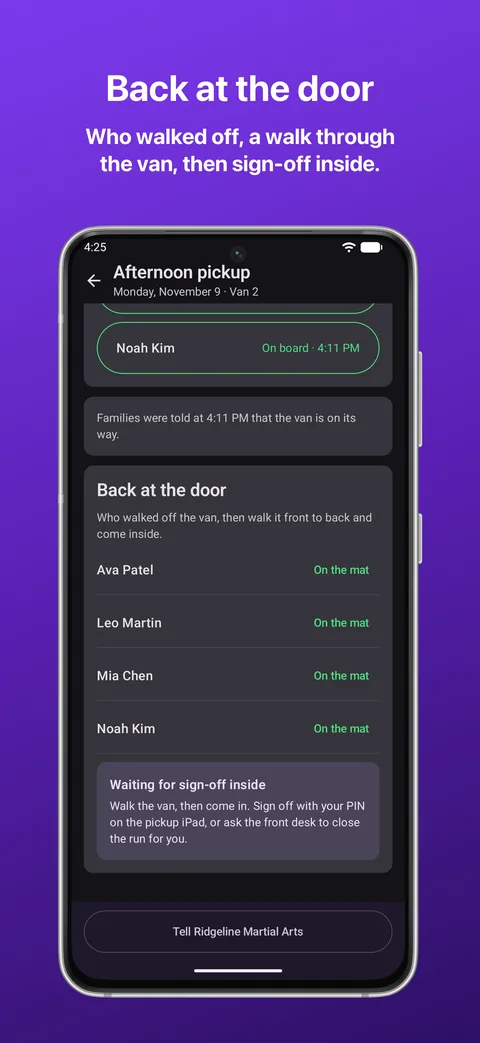
Say who walked off the van, walk it front to back, and come inside. The run is signed off with your PIN on the school's iPad, or the front desk closes it for you. A run is never signed off from the parking lot.
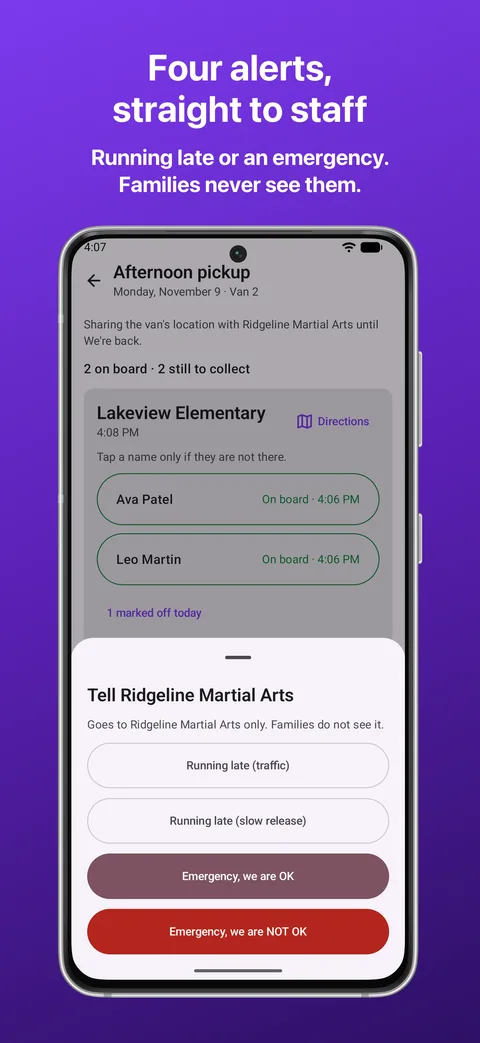
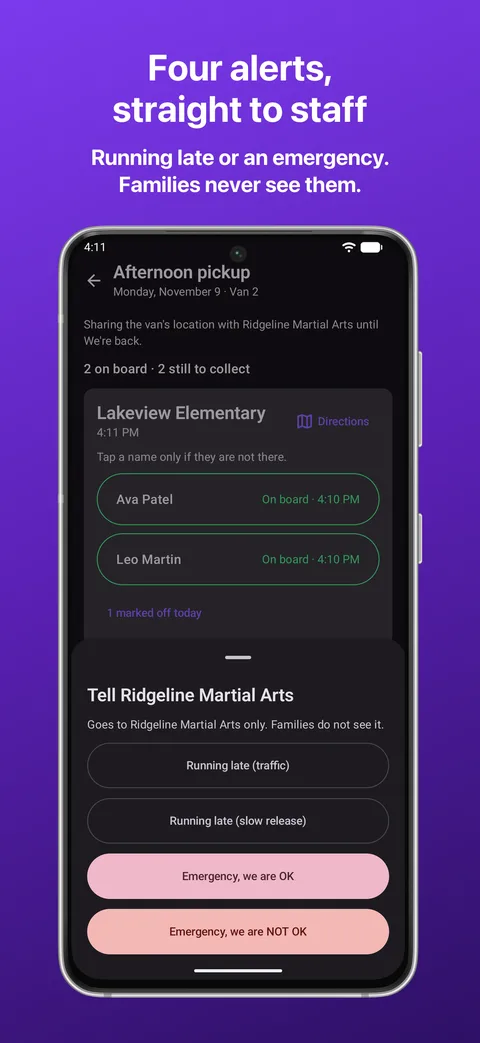
Running late for traffic, running late for a slow release, an emergency where everyone is OK, and one where they are not. Each goes to the front desk and the managers, and families never see them.
The emergencies take a slide rather than a tap, so a phone in a pocket cannot send one, and after a NOT OK the Call 911 button stays on the screen.
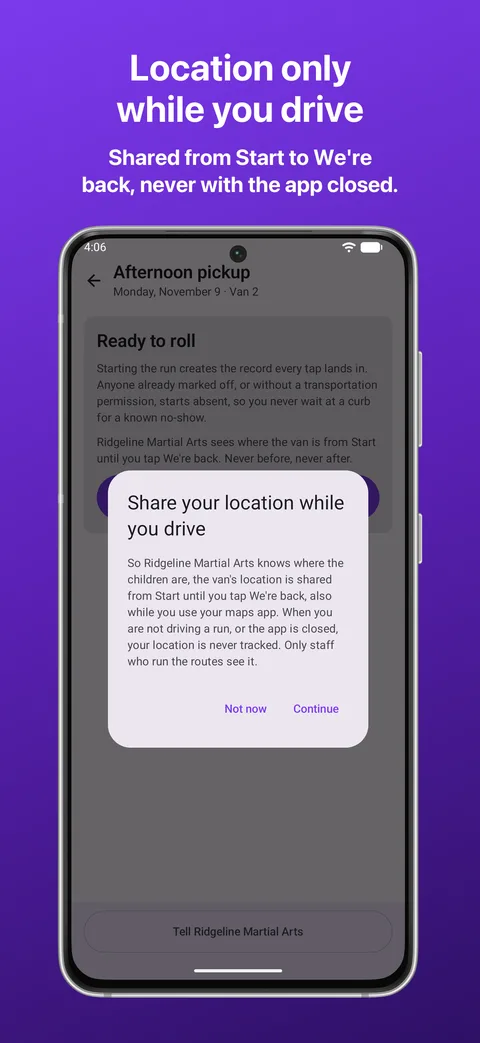
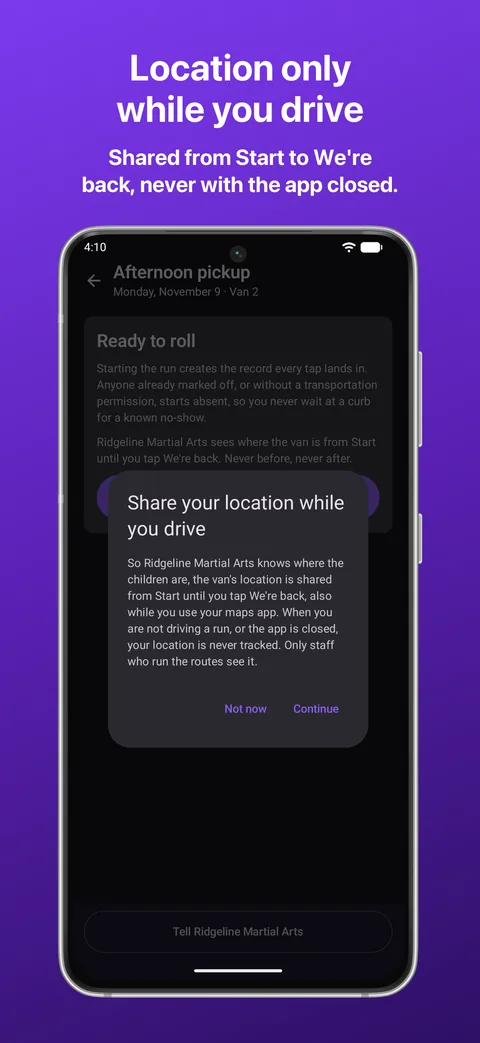
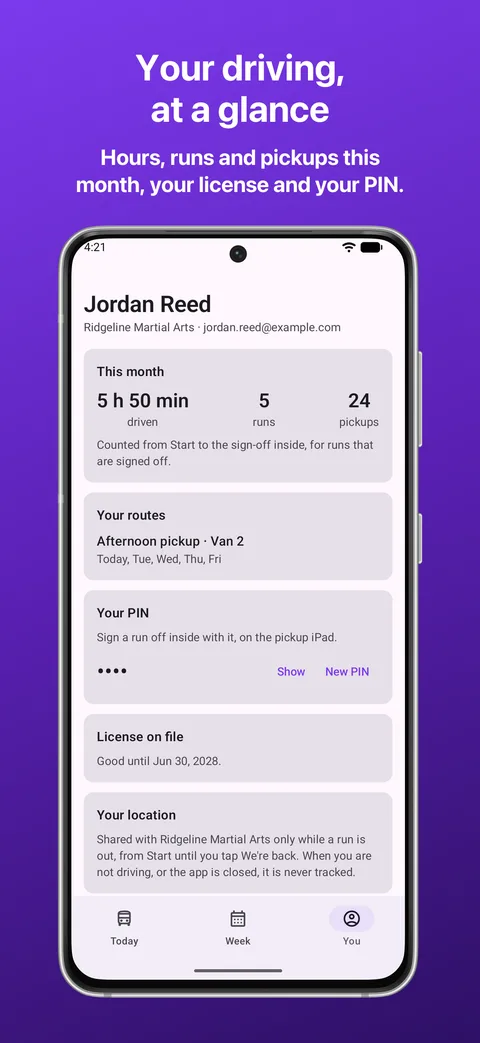
A school with children in a van needs to know where the van is. So from the moment you press Start until you tap We're back, Kihon Driver shares the van's location with your school, and a notification says so the whole time.
Before and after that, it does not. Not between runs, not on a day off, and never with the app closed. A run cannot start with location turned off, because that is the one hour the school most needs it, and the app asks once, plainly, before it ever does.
What the school sees: where the van is during the run, and the route it took afterwards, so the hours on a timesheet can be checked against the road. Positions are kept for 60 days, then only a rough outline of each route stays.
| Devices | Android phones. |
|---|---|
| Android version | Android 9 or later. |
| An account | Your school adds you as a driver. There is no signup inside the app, because who may drive the children is something the school decides. No password, anywhere: a code goes to your email and that is the whole sign-in. |
| Age | 18 or older. The van carries children, so the app stays closed on a phone that Google Play says belongs to someone younger. |
| Cost | Nothing, to you. Your school pays for Kihon and drivers are never charged. |
| Without an Android phone | Your school's driver page does the same run in any browser, on any phone. It does not share location. |
Only what running the van requires, and nothing on top:
| Your account | Your email, your name, and which school you drive for. Used to sign you in and to fence you to your own runs. |
|---|---|
| Your runs | The run's taps (who was collected, Rolling, We're back, who walked off), the alerts you send, and your hours and pickups. This is your school's record of its van, held to run the service. |
| Location | The van's precise location from Start to We're back, and at no other time. |
| Your age group | The age band Google Play gives the app, kept so the age check holds every time you sign in. |
| Tracking | None. No advertising, no analytics SDK, no third-party code watching you, no data sold or shared for marketing. |
The full detail is in the Privacy Policy, and the license covering the app is in the Terms of Service. If you want your account and its data deleted, that is a one-page request and it is honored.