Kihon
Kihon apps / Kihon Portal

Kihon Portal

The family's side of the school. Who trained and what they are working on, where everyone stands, when you go next, what you were billed and why, and a direct line to the people teaching you.

In progress · iPhone and iPad

The same portal is live in a browser today, and your school's link works right now. Free with Kihon, and there is no password to invent: your school knows your email, and a code signs you in.

What it looks like

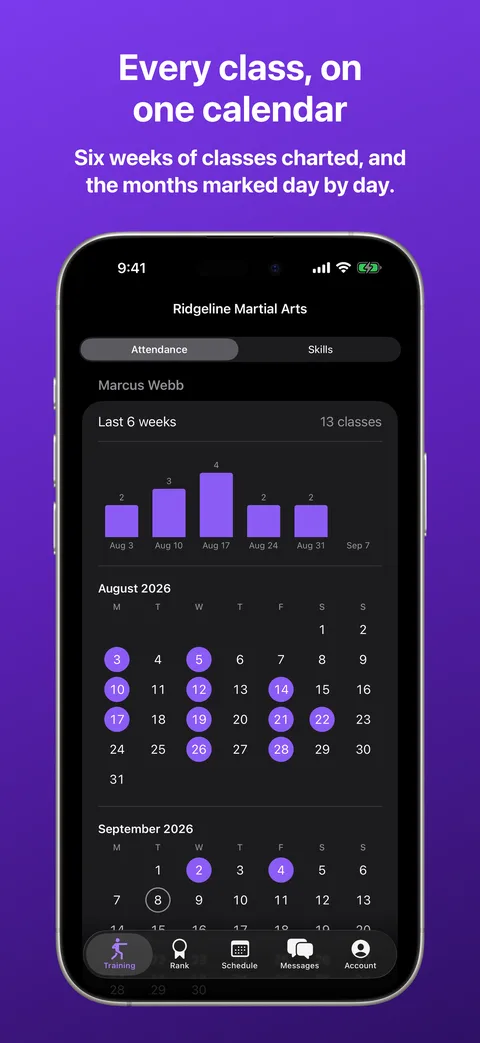
These follow the site's appearance. Try switching light and dark in the settings gear.

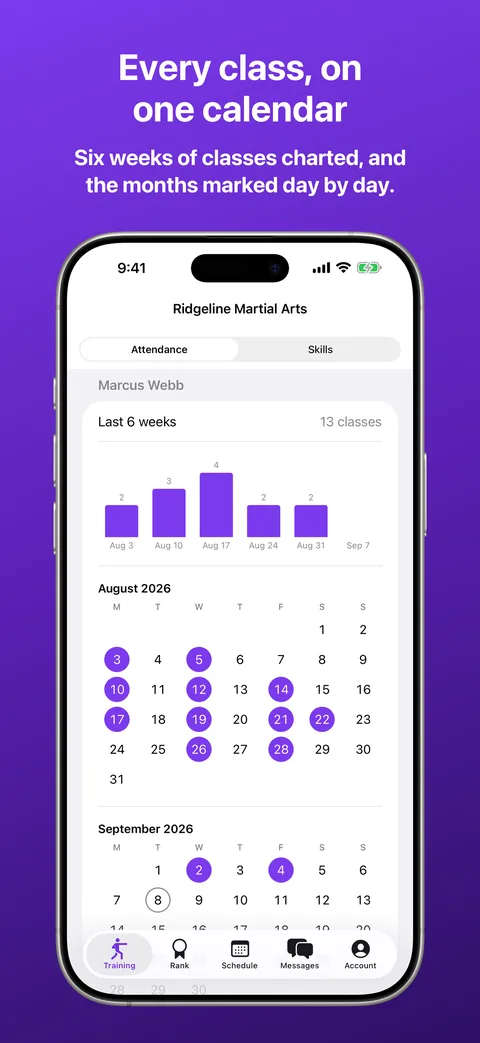
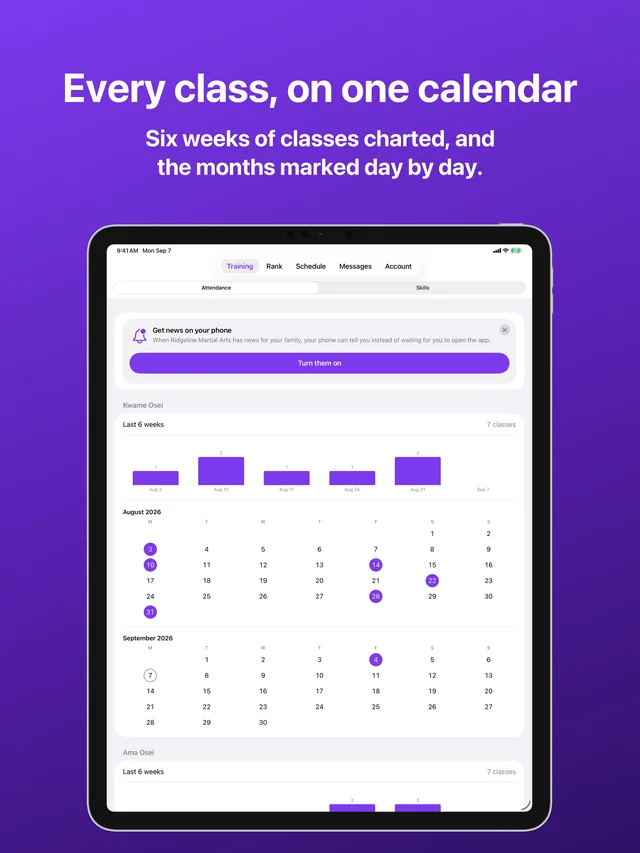
Training in Kihon Portal on iPhone: a month calendar marked with every class attended, and the last thirty days beside it Training in Kihon Portal on iPhone: a month calendar marked with every class attended, and the last thirty days beside it
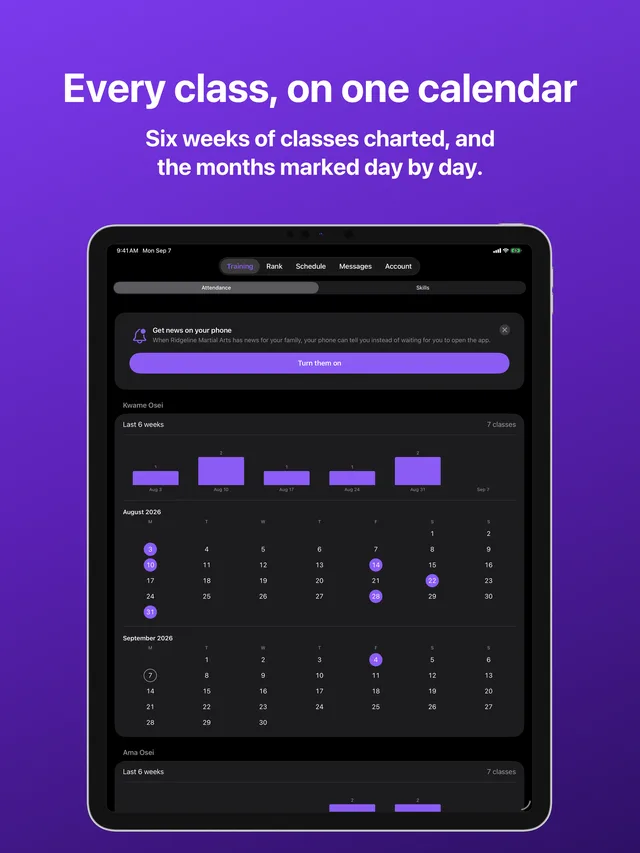
Training · The month marked class by class
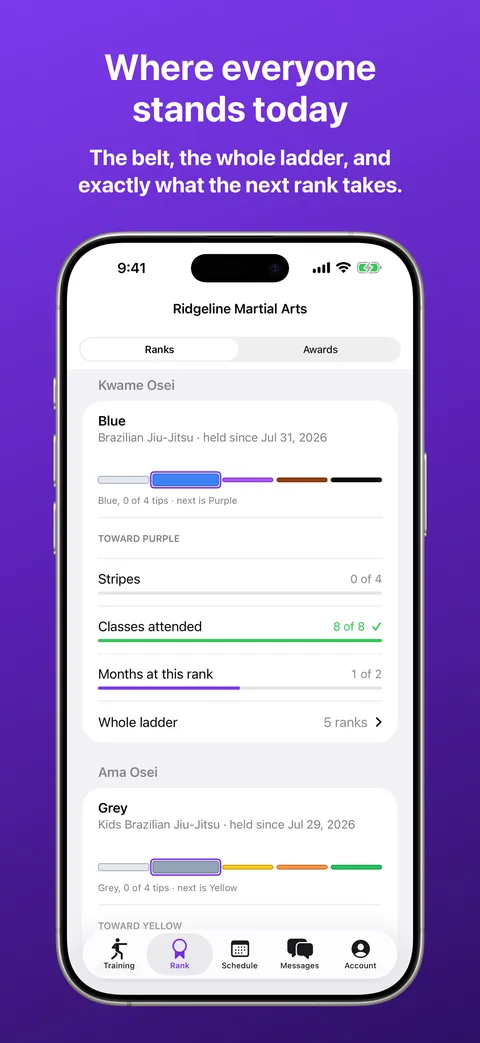
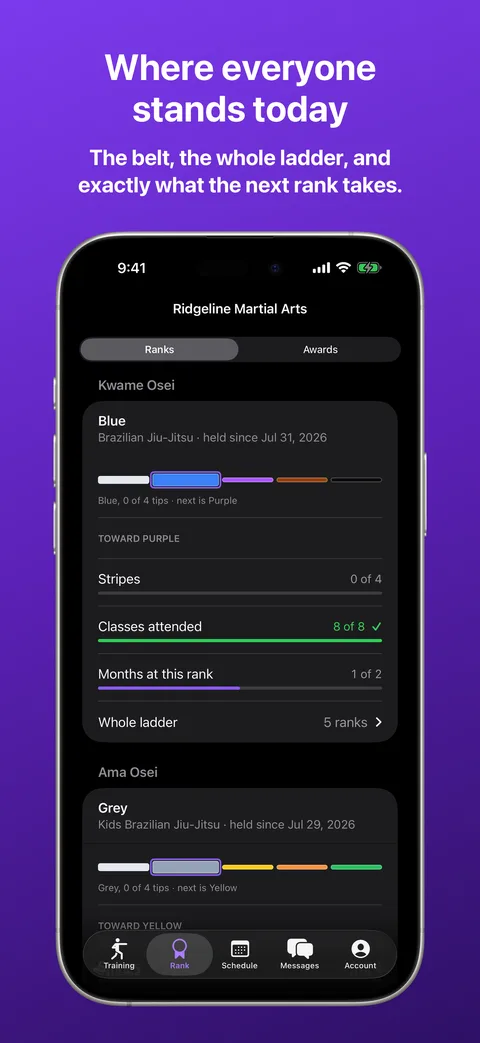
Rank in Kihon Portal on iPhone: a belt for each person in the family, with the whole ladder and what the next rank requires Rank in Kihon Portal on iPhone: a belt for each person in the family, with the whole ladder and what the next rank requires
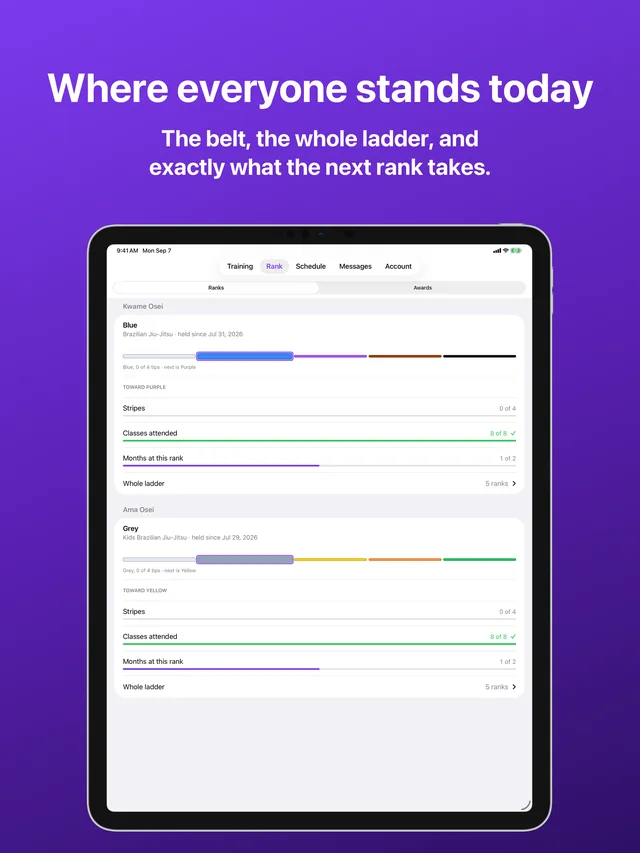
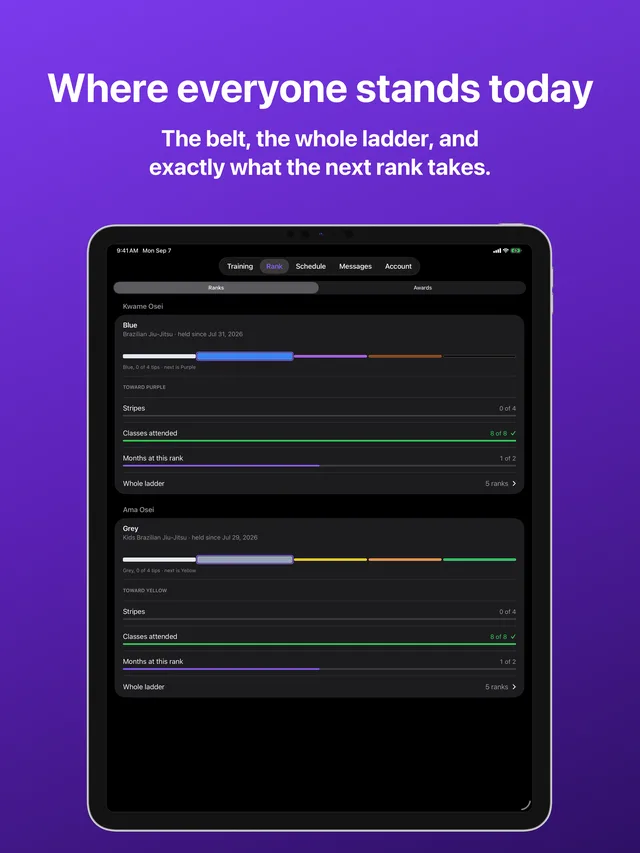
Rank · Where everyone stands, and what the next rank takes
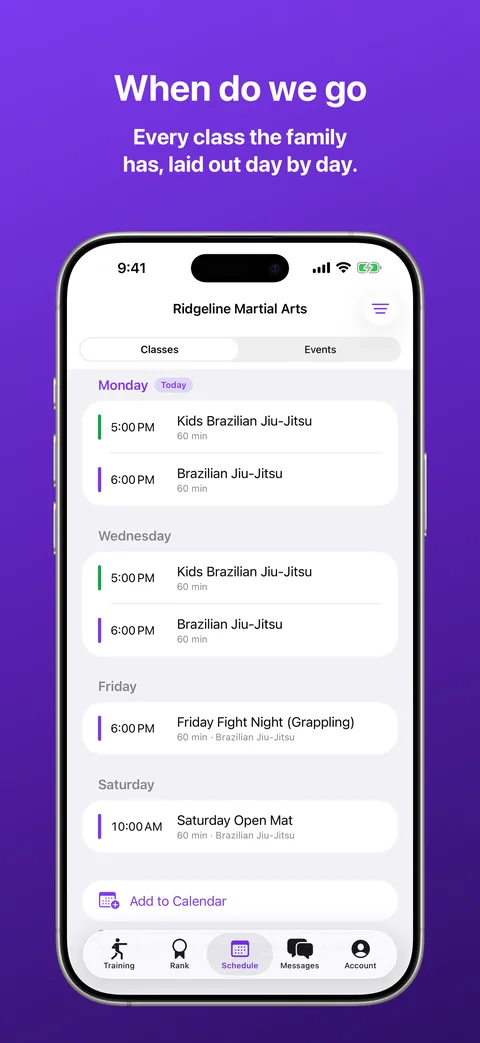
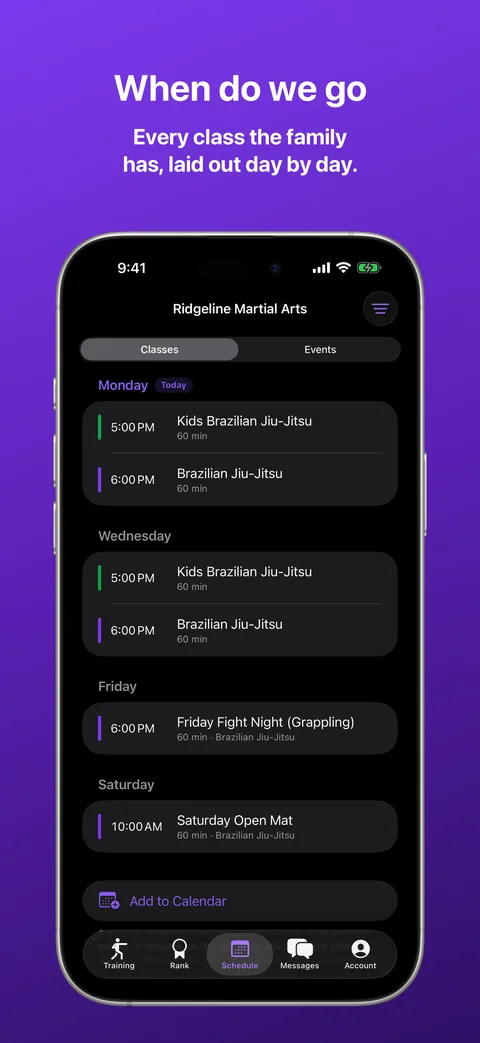
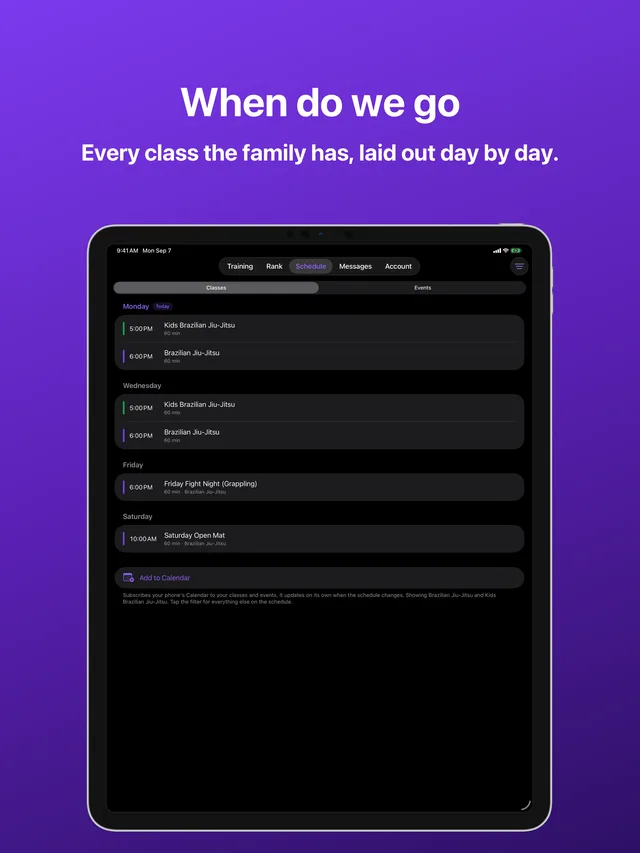
Schedule in Kihon Portal on iPhone: the standing week with the family's own classes listed first Schedule in Kihon Portal on iPhone: the standing week with the family's own classes listed first
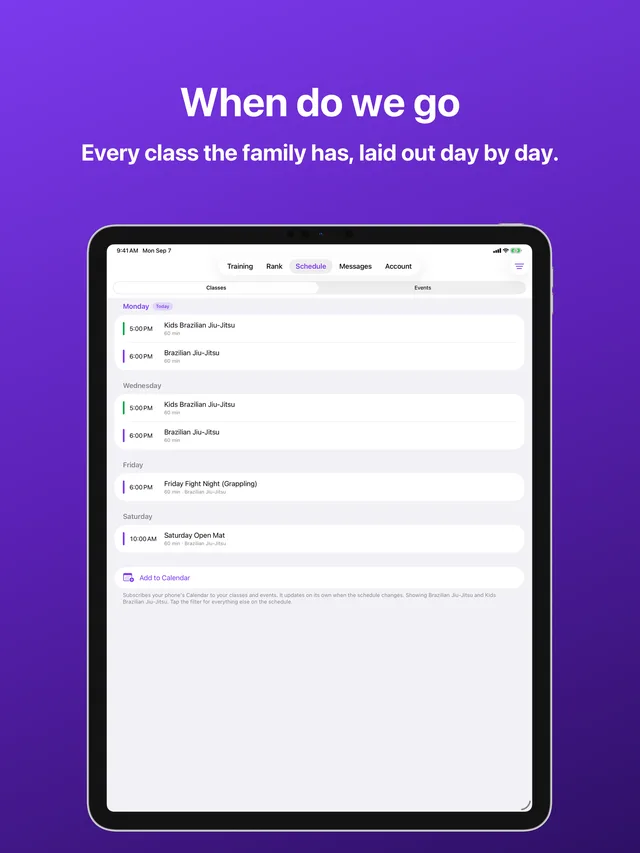
Schedule · The family's week, day by day
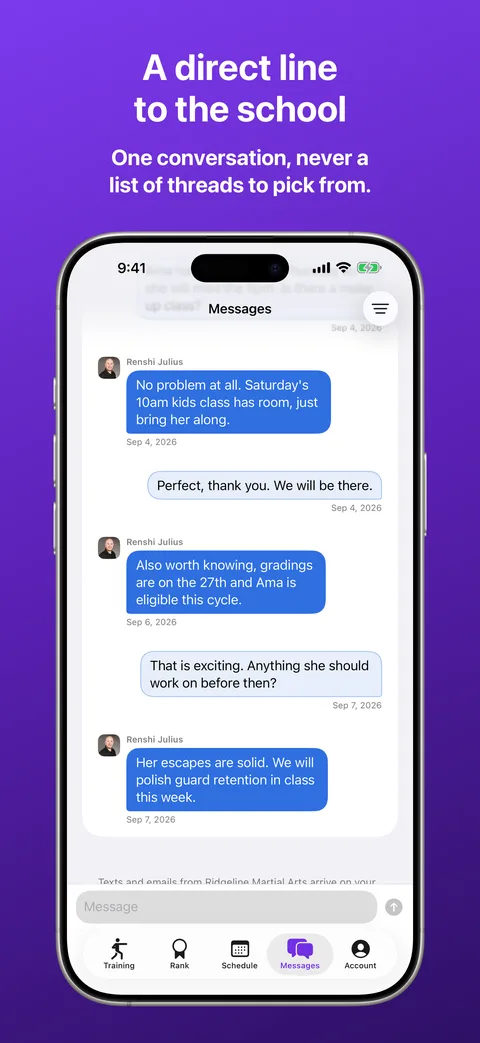
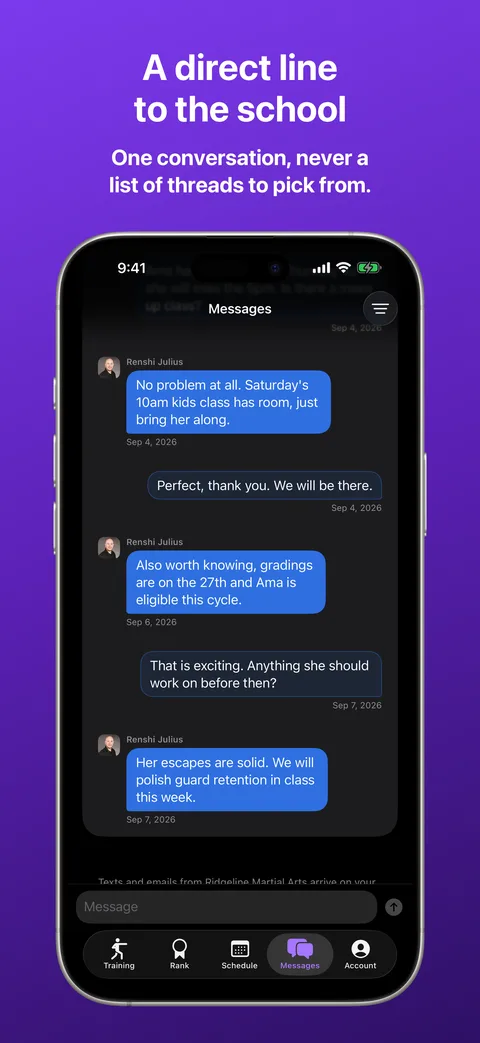
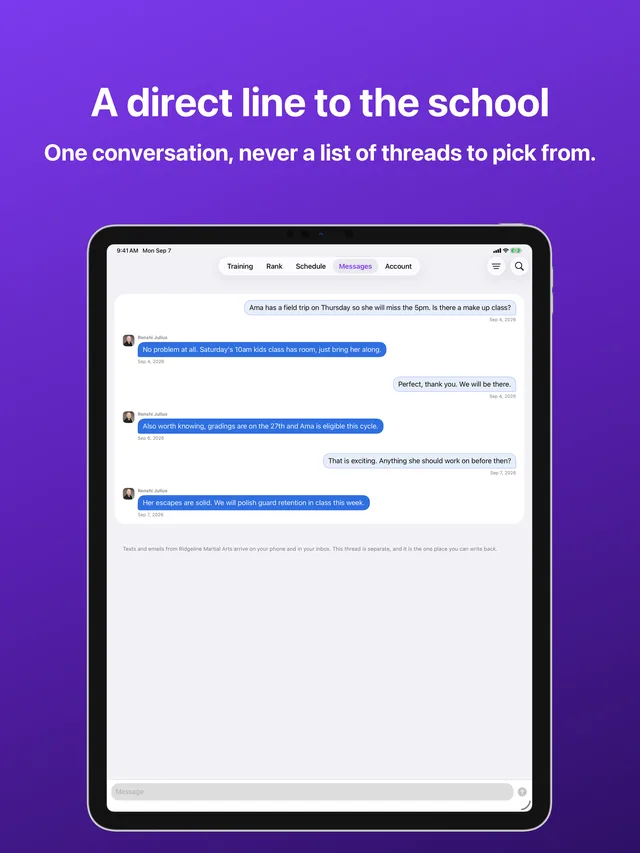
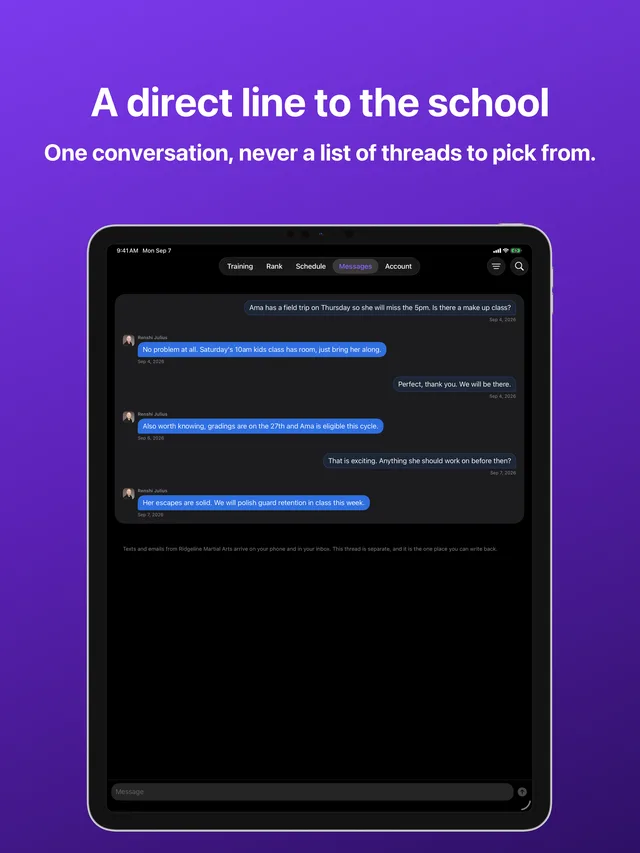
Messages in Kihon Portal on iPhone: a single conversation between a family and the school Messages in Kihon Portal on iPhone: a single conversation between a family and the school
Messages · One conversation with the school
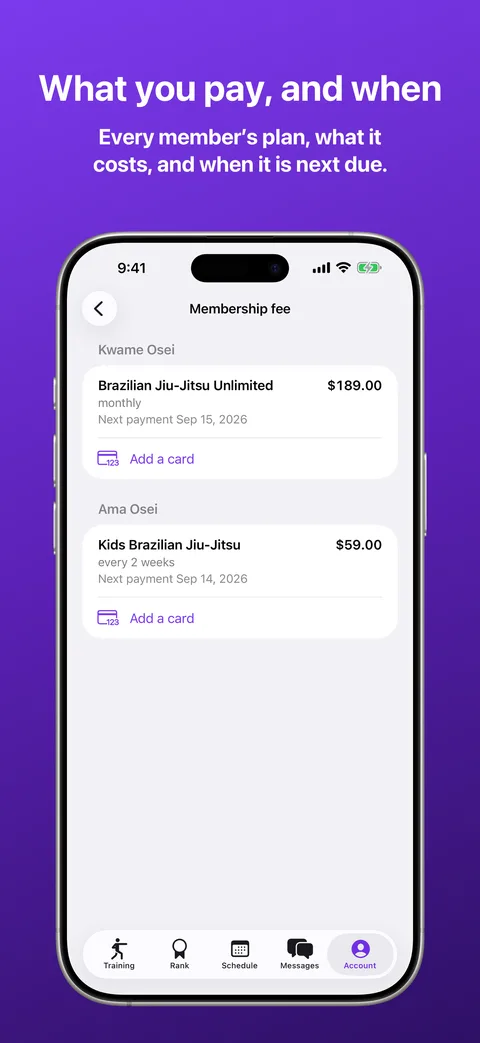
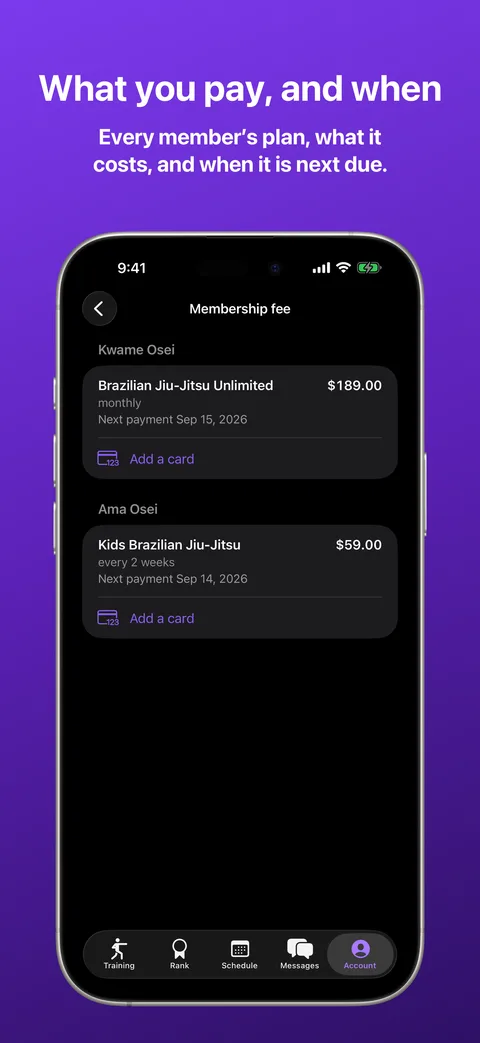
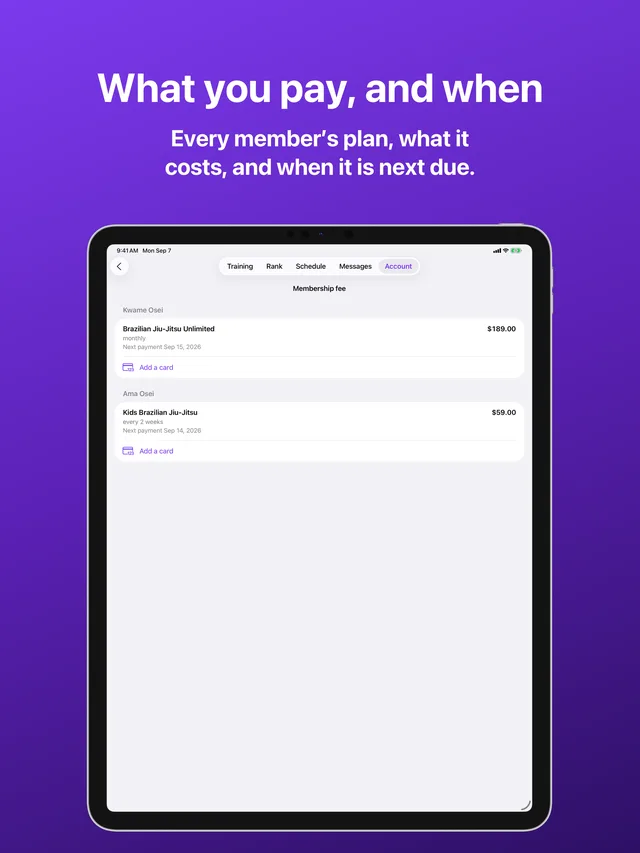
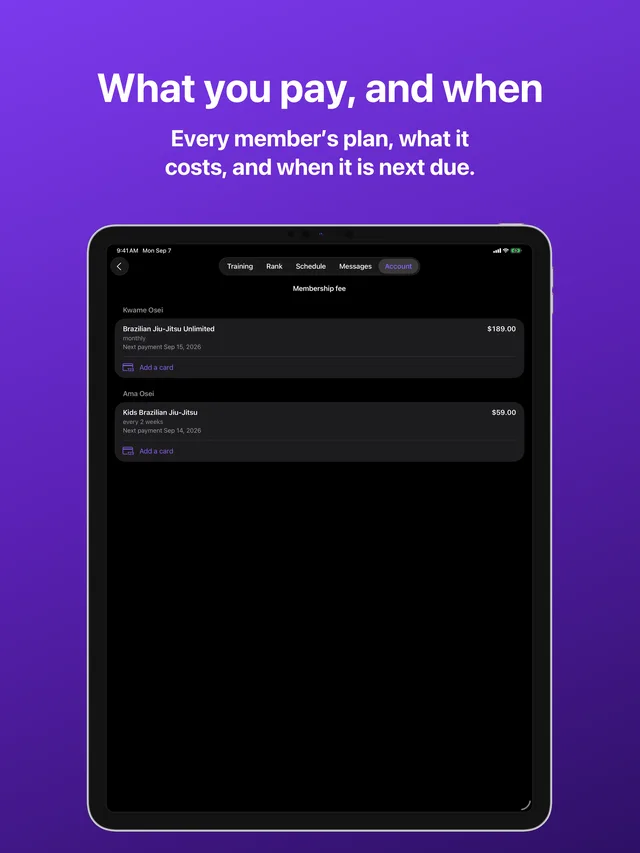
Billing in Kihon Portal on iPhone: each family member's plan with its amount and next payment date Billing in Kihon Portal on iPhone: each family member's plan with its amount and next payment date
Account · Every plan, and the next payment date

Swipe to see more

Five tabs, and each one answers a question you already ask

Training

Who trained, and what they are working on. The last two months drawn as a calendar rather than a list, the count for the last thirty days beside it, and the skills those classes have covered.

Rank

Where they stand today, with the whole ladder a tap away, and what it takes to reach the next rung. Every certificate and award they have earned lives here too, opened full screen and kept for good.

Schedule

When do we go. The standing week showing your own classes first and the rest of the school on a switch, the events you are signed up for, and the ones already behind you, folded away for looking back at.

Messages

One conversation with the school, never a list of threads to pick the right one from. What you write reaches the desk, and what they answer reaches your phone.

Account

Everything about the family rather than the training: what you are billed and why, the papers you have signed, who may collect each child, what you have agreed to, and your own pickup PIN.

Five, because five is where iOS stops folding a tab bar into a More menu, and no parent should have to hunt for their child's belt behind an overflow list.

The things you would otherwise have to phone the desk about

  • Every line that has left your account. Not a summary and not a balance, the same ledger the front desk is looking at, with what each charge paid for. If a bill ever looks wrong, you can see for yourself what it was.
  • The card that pays for it. Adding one opens the card page belonging to the payment processor, in a browser sheet, and the result is confirmed by the school's own server. The app never sees the number and neither do we.
  • Every paper you have signed. The agreement, the release, the camp form. Readable any time, not just on the day you signed it.
  • Who may collect each child. Take a name off the list yourself and the door knows immediately. Adding one is done at the desk, so a name only ever goes on after a person your school has spoken to.
  • What you have said yes and no to. Photos and media, the screens in the lobby, marketing texts and email, set per person rather than for the household as a lump.
  • Signing up for an event or a camp. Choose who is coming, see the price for the whole party, and pay once. When a session is full you can take a waitlist place instead, and waiting costs nothing.

Notifications that are worth the buzz

A message from your school reaches your lock screen, titled with the school's name, and tapping it opens the conversation rather than dropping you at the front door of the app to go and find it.

What never buzzes: anything that is simply information sitting there for whenever you next look. A class on the calendar is not an alert. A notification lane that cries wolf gets muted for good, and then the one message that mattered gets muted with it.

What it needs

DevicesiPhone and iPad.
iOS versioniOS 17 or later.
An accountYour school adds you. There is no signup inside the app, because being a family at a school is something the school records, not something a stranger claims. No password, anywhere: a code goes to your email and that is the whole sign-in.
CostNothing, to you. Your school pays for Kihon and families are never charged for the app, per person or otherwise.
Until it shipsThe browser portal does the same job today. Your school's link works on a phone, and nothing you do there has to be done again later.

What it collects

Only what showing you your own family's records requires, and nothing on top:

Your accountYour email, your name, and which family you belong to at which school. Used to sign you in and to fence you to your own records.
Your family's recordsAttendance, rank, the schedule, the ledger, signed papers, pickup permissions, and your conversation with the school. This is your school's data about your family, held to run the service.
This deviceA notification token if you turn notifications on, and whether you prefer light or dark. The appearance setting never leaves the device.
TrackingNone. No advertising, no analytics SDK, no third-party code watching you, no data sold or shared for marketing. Not now and not once it is popular.

The full detail is in the Privacy Policy, and the licence covering the app is in the Terms of Service. If you want your account and its data deleted, that is a one-page request and it is honoured.

The same ledger the desk is looking at

Most school software gives families a thin window: a balance, a next payment date, and a phone number to call when either looks wrong. The window is thin because the software's own billing is hard to explain, and a parent who could check the arithmetic would sometimes find it wrong.

Kihon shows the family the same records the school sees, because it is built by an instructor who has stood at the desk explaining a charge to a parent, and the fastest way to end that conversation well is for both of you to be reading the same page.

Get help with this app All Kihon apps