Kihon
Kihon apps / Kihon Staff

Kihon Staff

The day, in your pocket. Built for the ninety seconds between classes, when you are standing on the mat and the office is on the other side of the building.

Download Kihon Staff on the App Store

Free with Kihon. iPhone and iPad, and every staff account signs straight in.

What it looks like

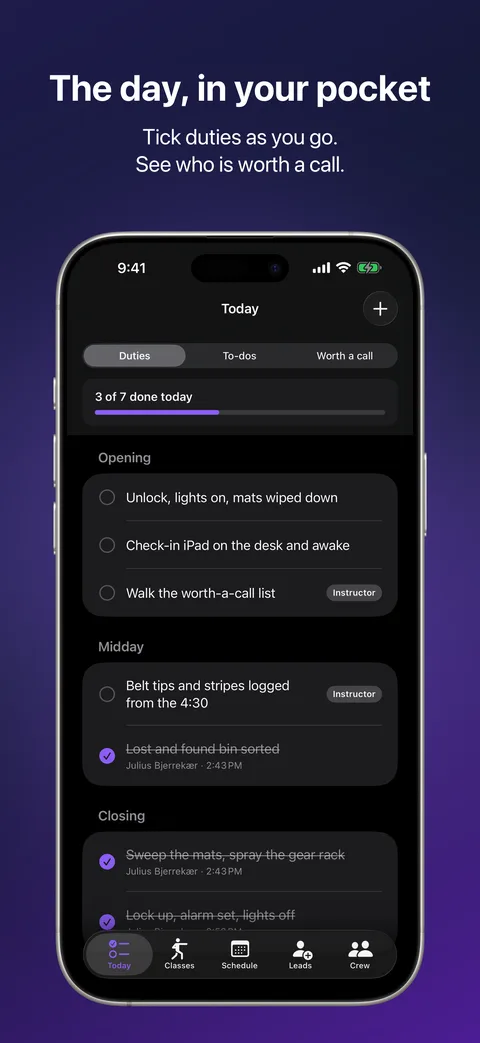
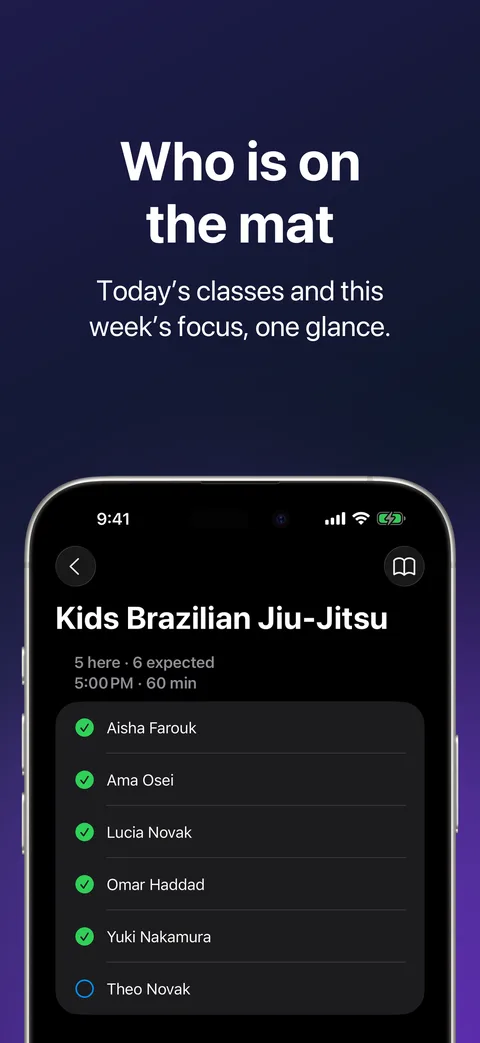
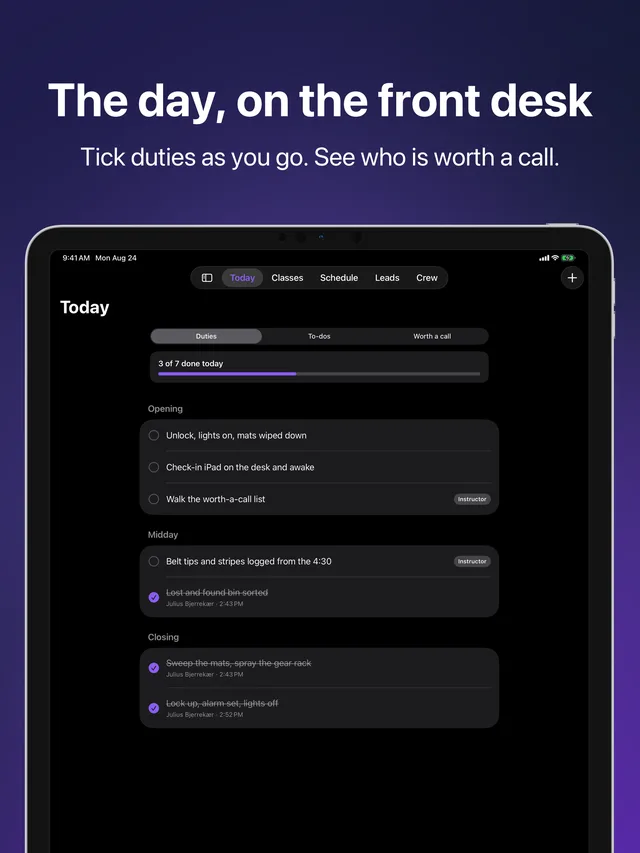
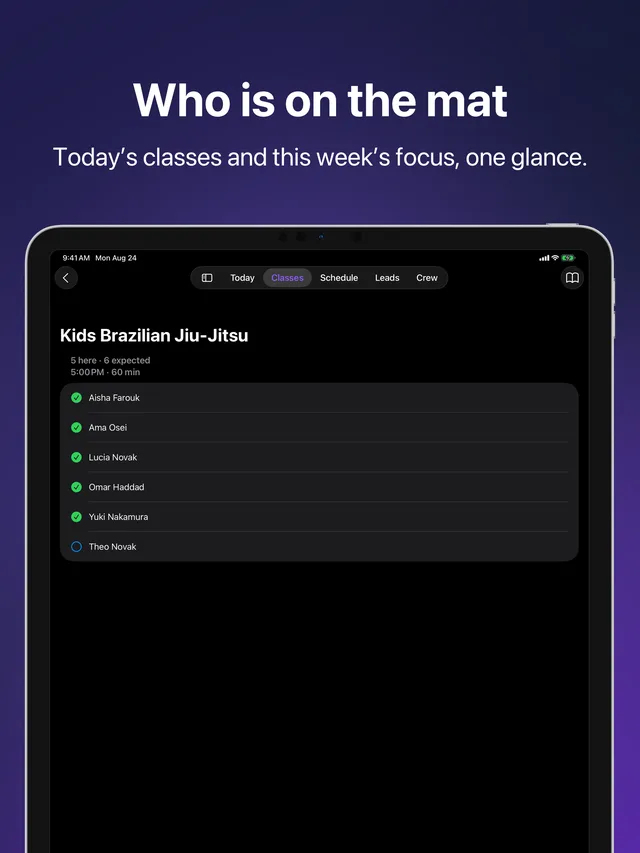
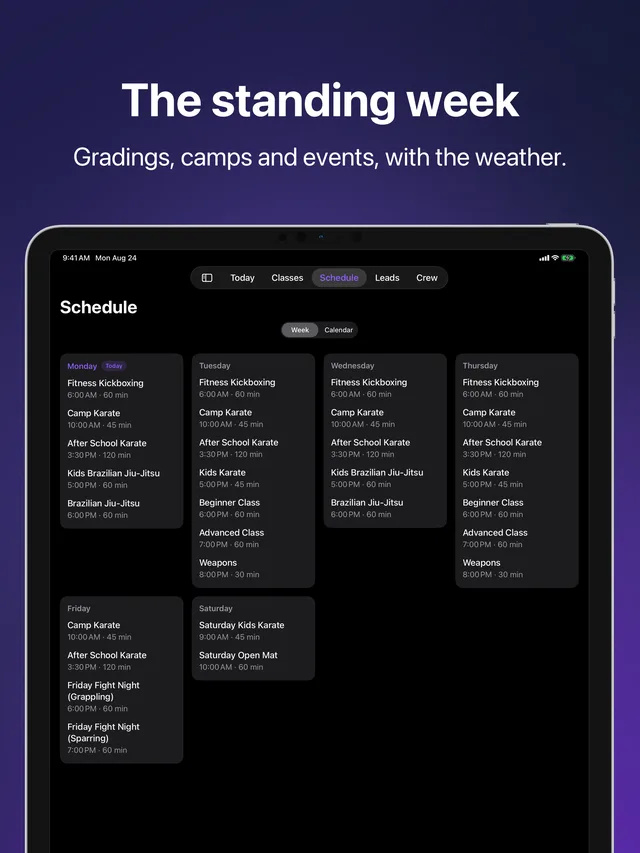
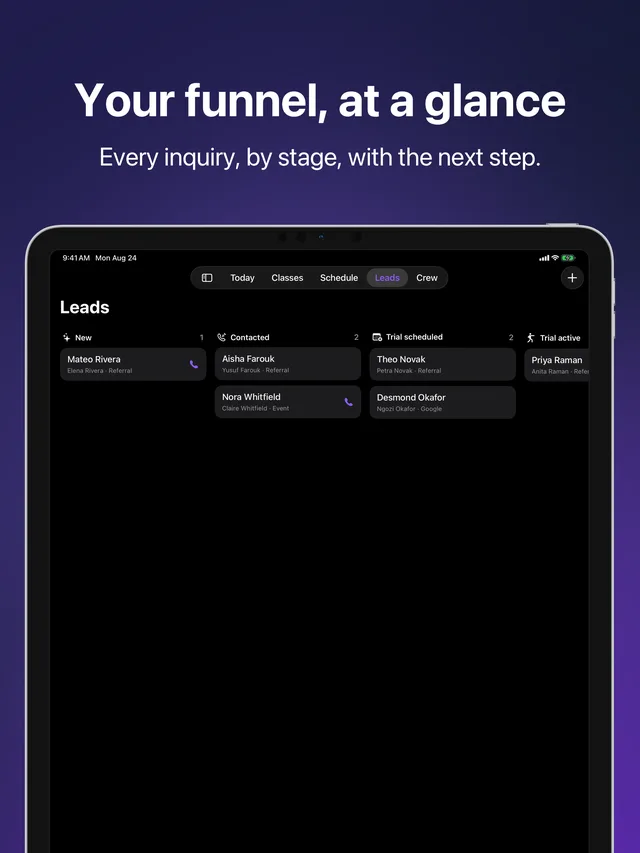
These follow the site's appearance. Try switching light and dark in the settings gear.

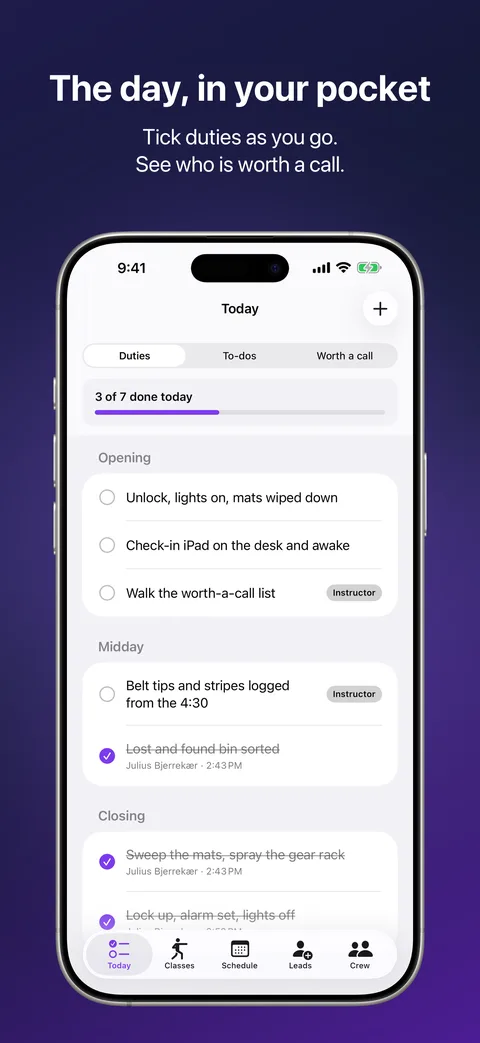
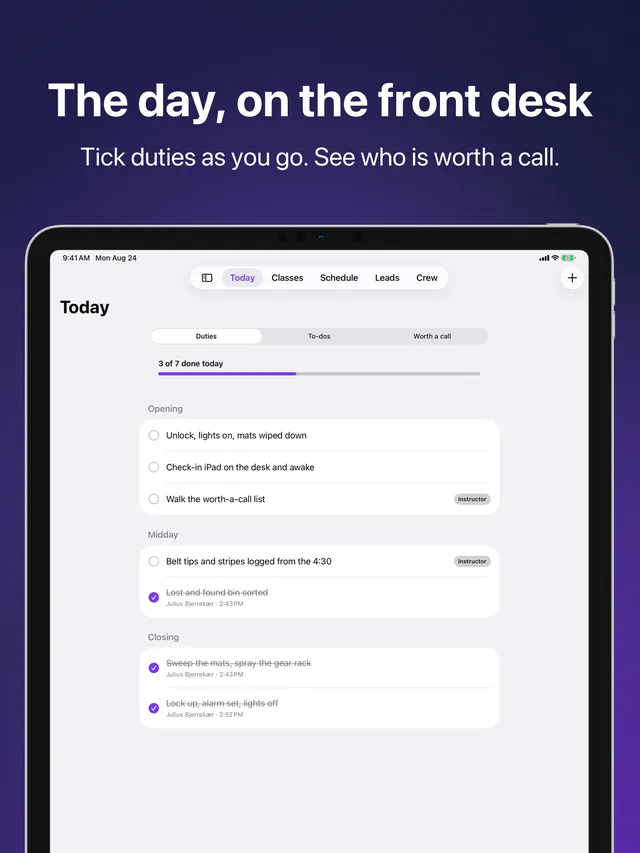
Today in Kihon Staff on iPhone: the day's duty sheet and who is worth a call Today in Kihon Staff on iPhone: the day's duty sheet and who is worth a call
Today · The day's duty sheet and who is worth a call
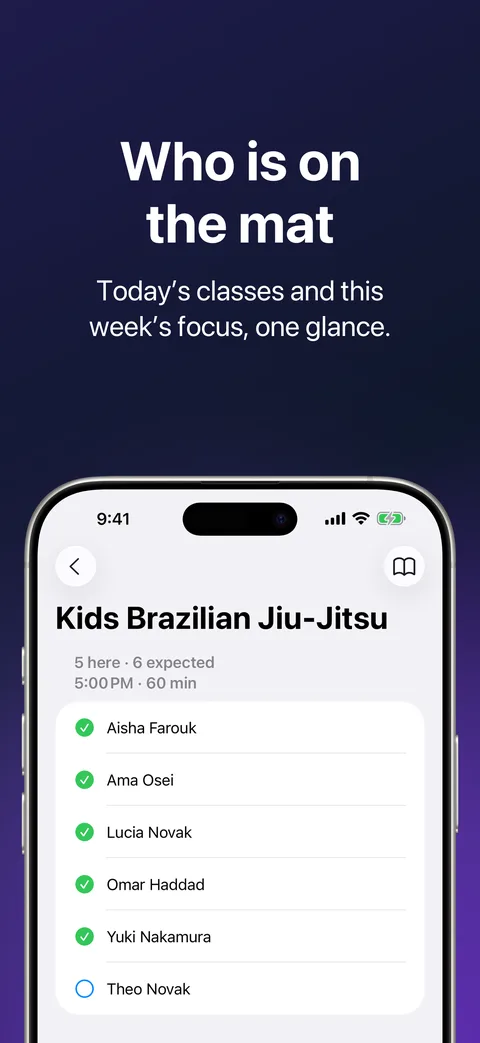
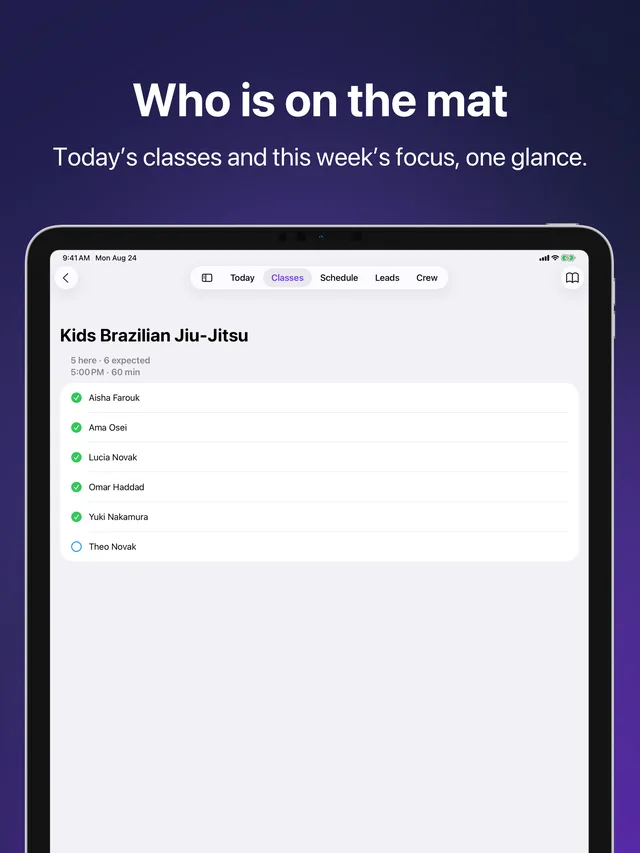
Classes in Kihon Staff on iPhone: today's classes and the week's focus Classes in Kihon Staff on iPhone: today's classes and the week's focus
Classes · Today's classes and the week's focus
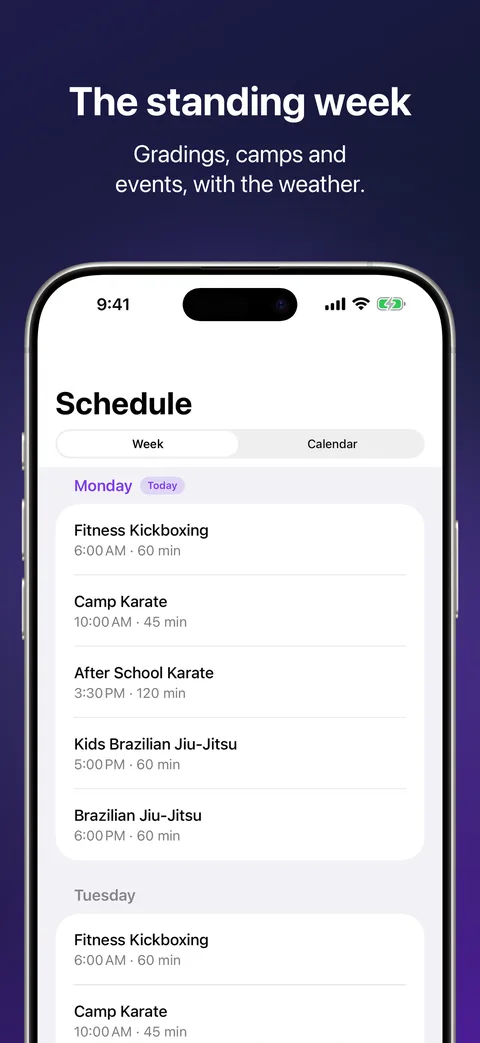
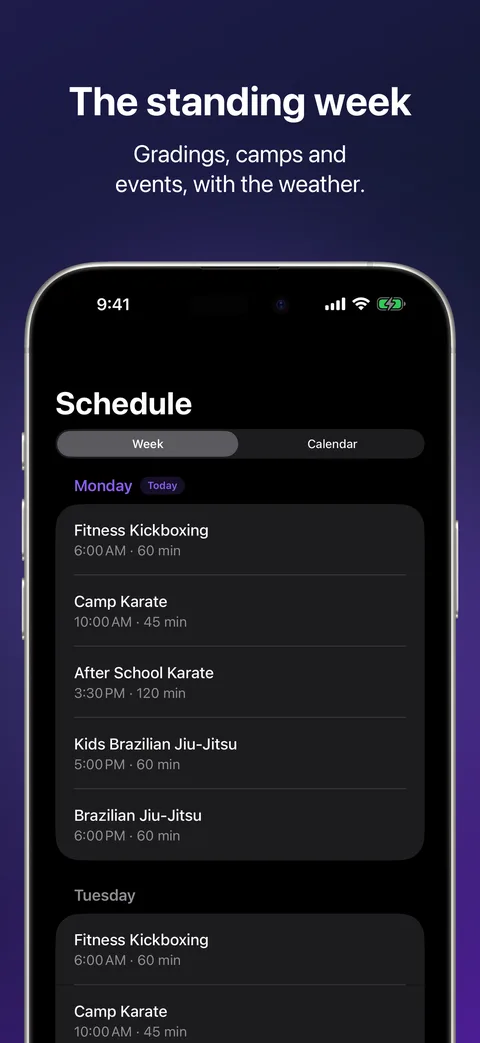
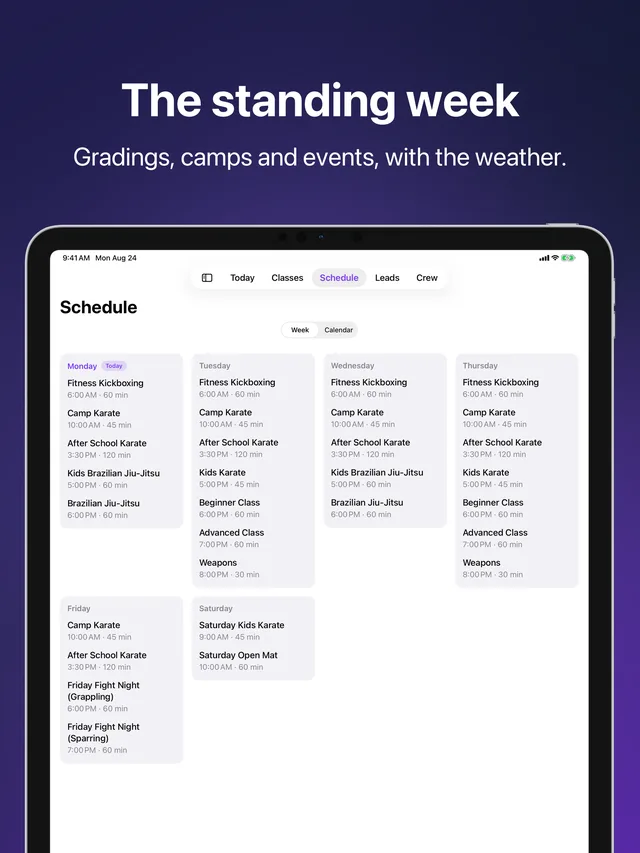
Schedule in Kihon Staff on iPhone: the standing week plus gradings, camps and events Schedule in Kihon Staff on iPhone: the standing week plus gradings, camps and events
Schedule · The standing week, gradings, camps, events
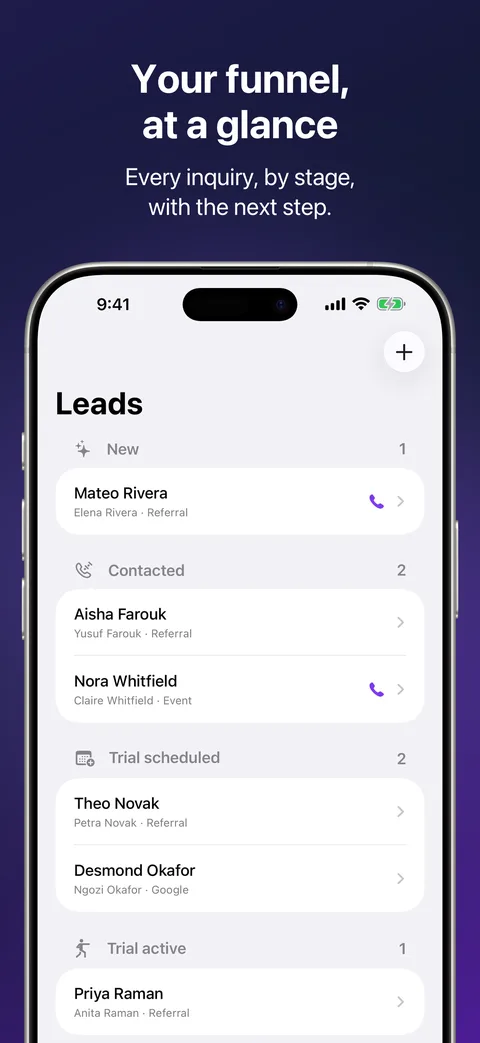
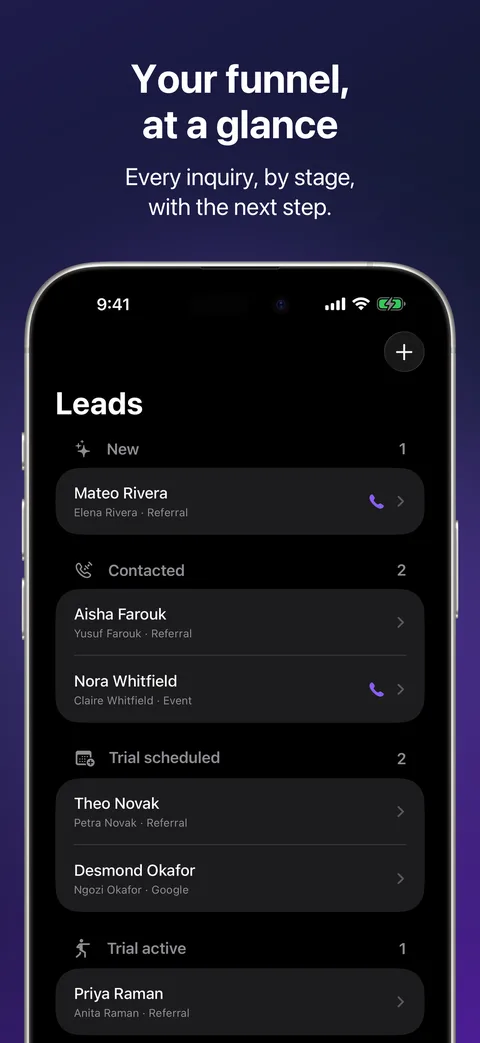
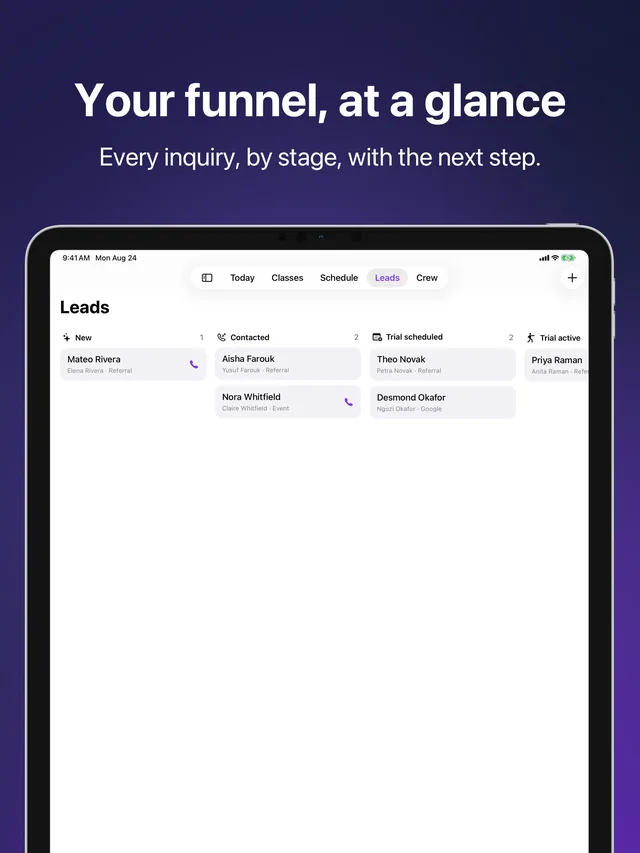
Leads in Kihon Staff on iPhone: the funnel board Leads in Kihon Staff on iPhone: the funnel board
Leads · The funnel board
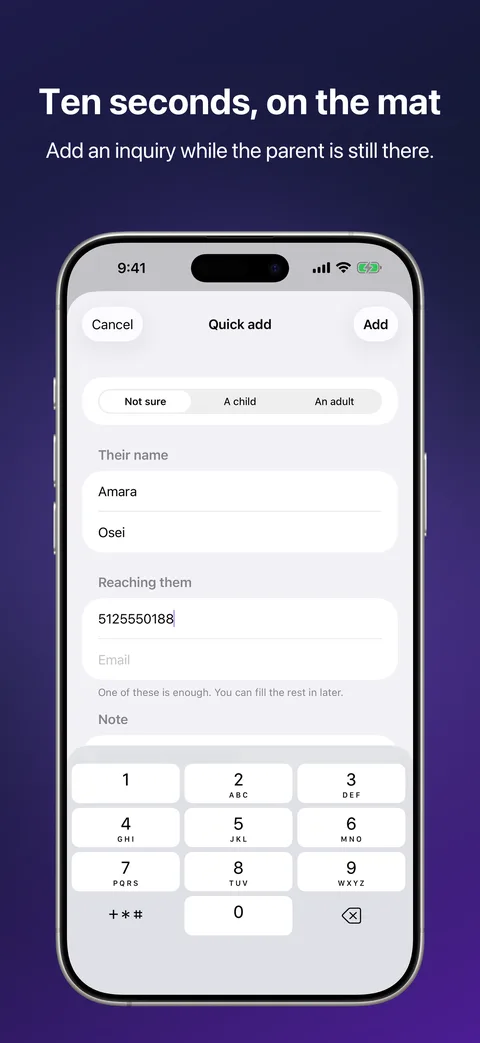
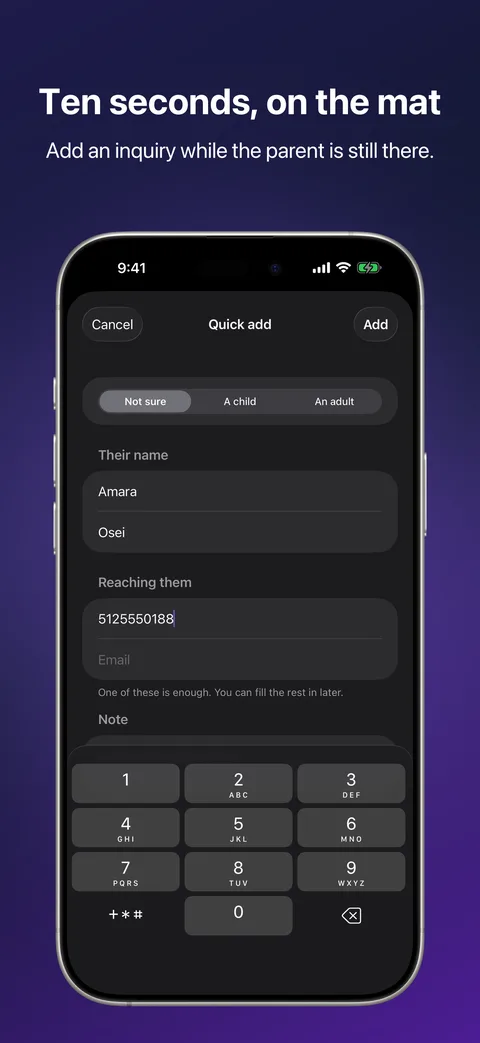
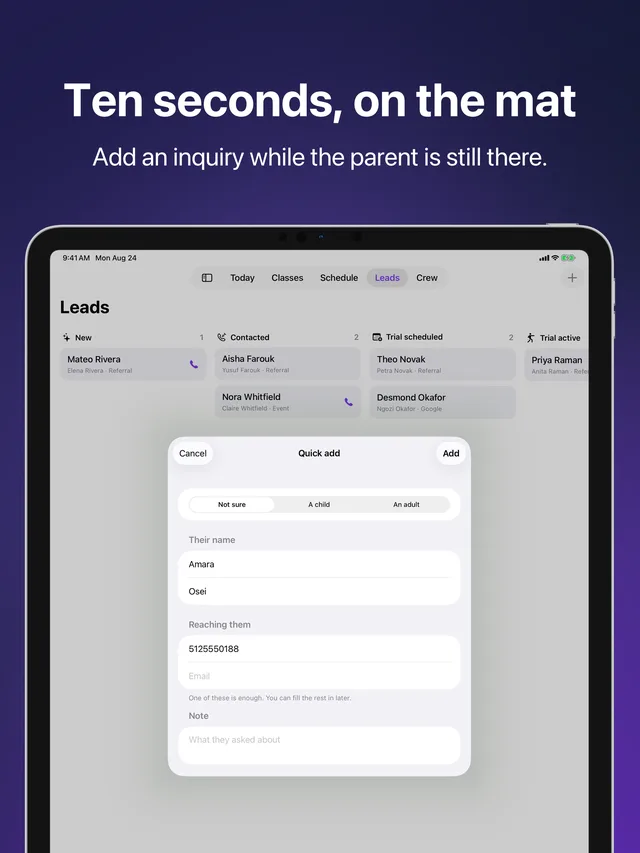
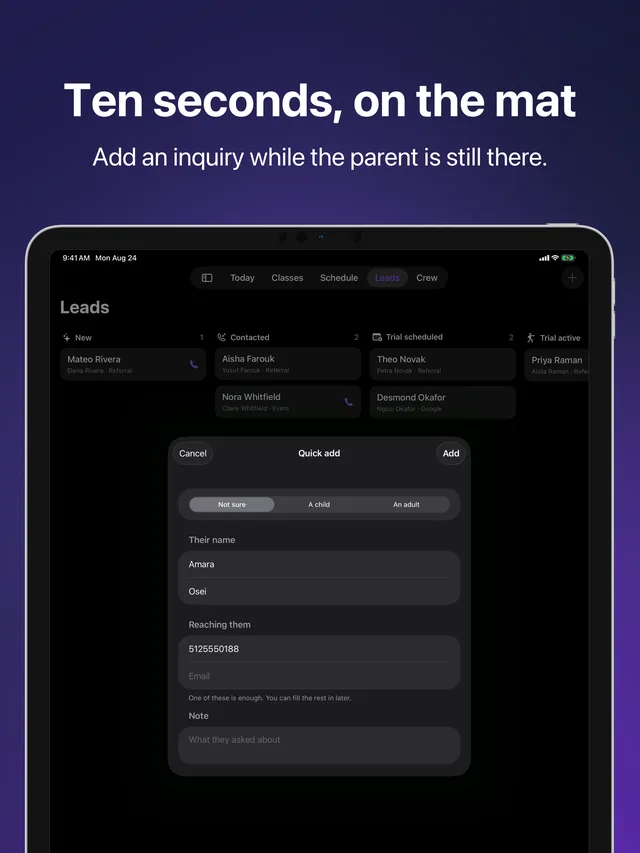
Quick add in Kihon Staff on iPhone: adding an inquiry in ten seconds Quick add in Kihon Staff on iPhone: adding an inquiry in ten seconds
Quick add · Add an inquiry in ten seconds
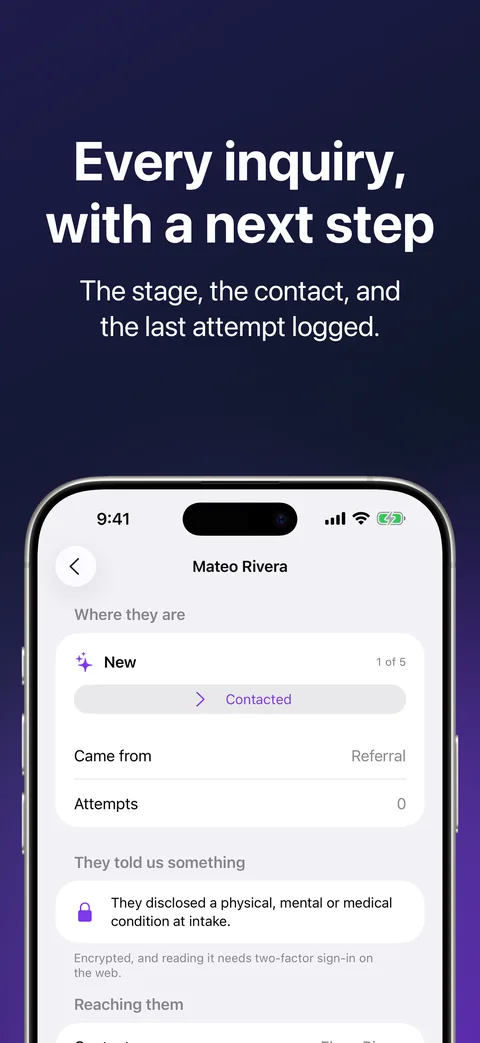
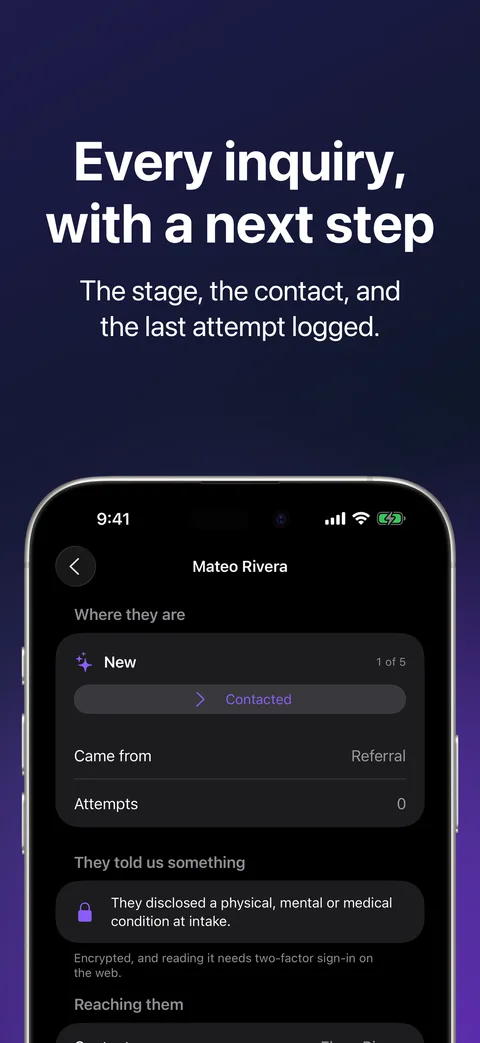
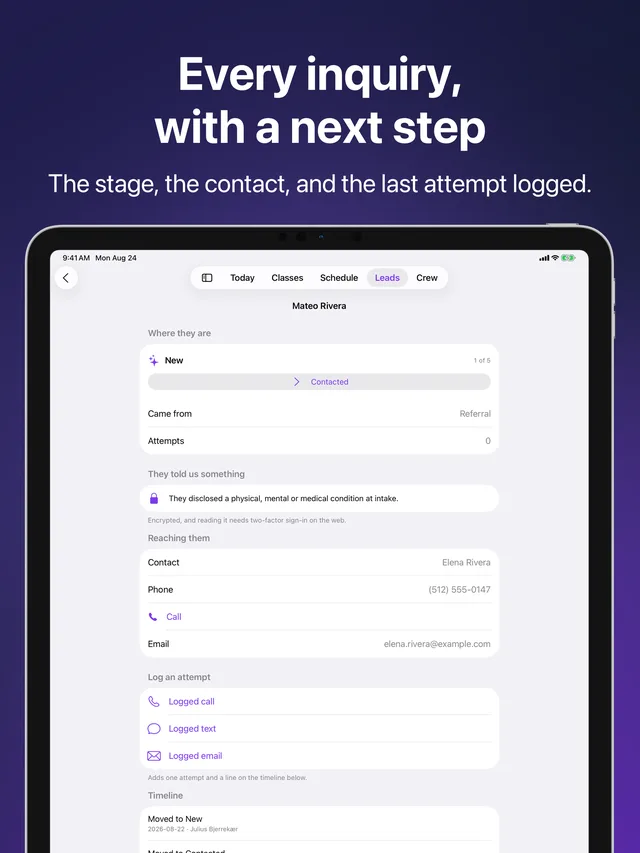
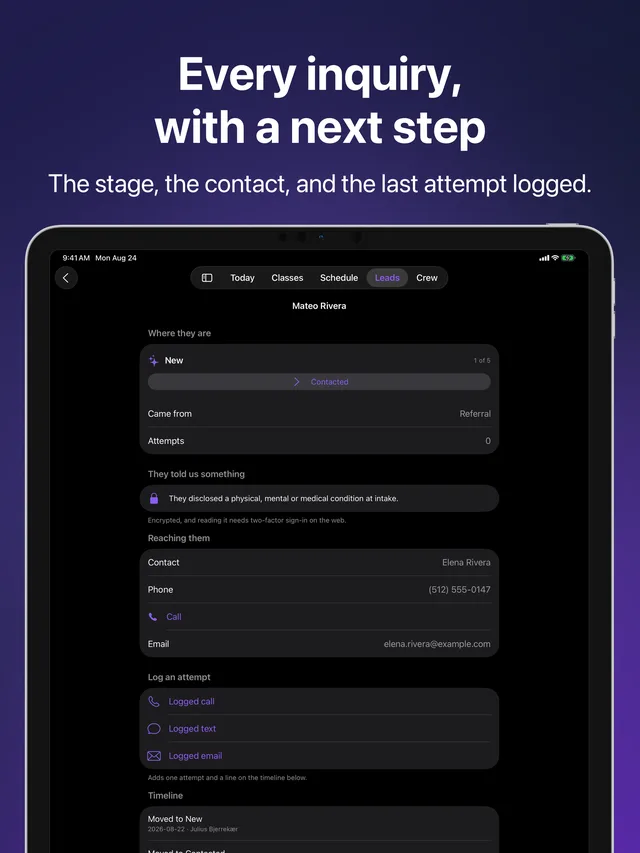
Lead profile in Kihon Staff on iPhone: one inquiry with its stage, contact details and last attempt Lead profile in Kihon Staff on iPhone: one inquiry with its stage, contact details and last attempt
Lead profile · Stage, contact, last attempt

Swipe to see more

Five tabs, and a switch for the ones you do not use

Today

The duty sheet, generated from your school's own list. Tick items as you do them and your name goes on the record. Beside it, who is slipping and worth a call today.

Classes

What is running today, who is on the mat, and what this week's focus is. The thing you check on the way through the door.

Schedule

The standing week plus what is coming up: gradings, camps, events, and the day's weather when it is being held outside.

Leads

Your funnel at a glance. Log a call the moment you make it, add an inquiry in ten seconds while the parent is still standing there, and move somebody along the pipeline.

Your team

Who works here, how to reach them, and your own profile. Edit how families see your name, set how you take calls, and manage this device's notifications.

Turn off the tabs you do not use on this device. Today and your team always stay. Hiding a tab also stops its notifications reaching this phone, so a switch means what it says.
Notifications that are worth the buzz

A duty assigned to you reaches your lock screen, titled with your school's name, whether or not you are signed in on the web. So does a duty assigned to a role you wear, which tells everyone wearing it rather than pretending the job is exclusively yours. So does a new inquiry, the moment somebody fills in your signup form.

What never buzzes: anything nobody in particular needs to do. A shared duty on the checklist that anyone can pick up is not an alert, it is a list, and a notification lane that cries wolf gets muted for good.

What it needs

DevicesiPhone and iPad. On an iPad it draws a sidebar rather than a tab bar, and you can switch between the two.
iOS versioniOS 17 or later.
An accountYour school gives you one. There is no signup inside the app, because a staff account is something a school issues, not something a person creates.
CostIncluded. No per-seat charge and no paid tier. Every feature is on every plan.

What it collects

Only what running your school requires, and nothing on top:

Your accountYour name, your role at the school, and your sign-in. Used to show who ticked what and to fence you to your own school's data.
Your school's recordsThe roster, the schedule, the duty book, attendance, and inquiries. This is your school's data, held to run the service.
This deviceA notification token if you turn notifications on, and your own preferences for how you take calls and which tabs you show. The preferences never leave the device.
TrackingNone. No advertising, no analytics SDK, no third-party code watching you, no data sold or shared for marketing.

The full detail is in the Privacy Policy, and the licence covering the app is in the Terms of Service. If you want your account and its data deleted, that is a one-page request and it is honoured.

Built by somebody who has taught the class

Kihon is built by a martial arts instructor who is also the developer answering the support email. That is why the duty sheet knows a Sunday the school was closed is not a zero, why a hat duty tells everyone wearing it, and why the app will not ring a parent from your personal number unless you tell it to.

Get help with this app All Kihon apps